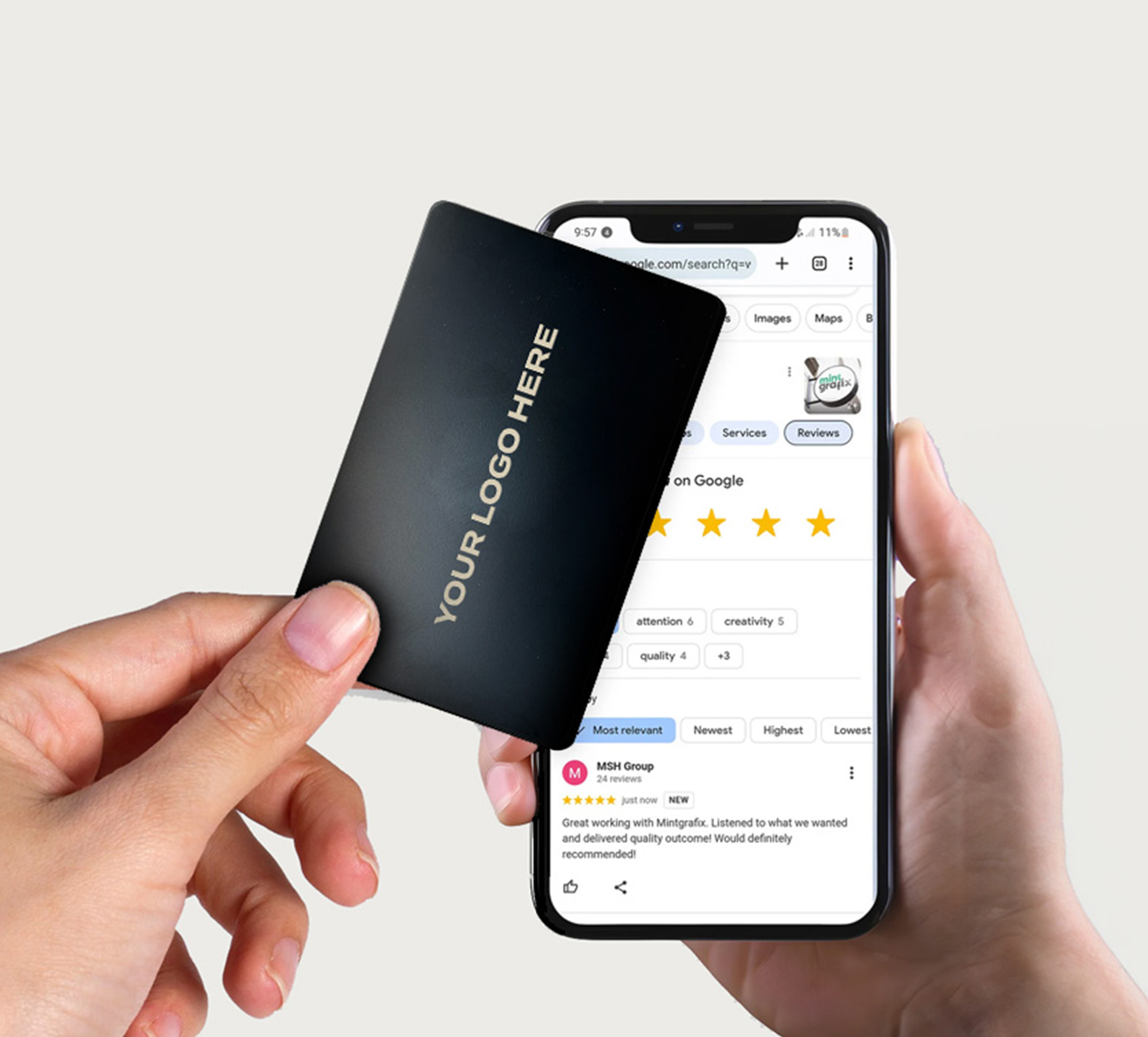
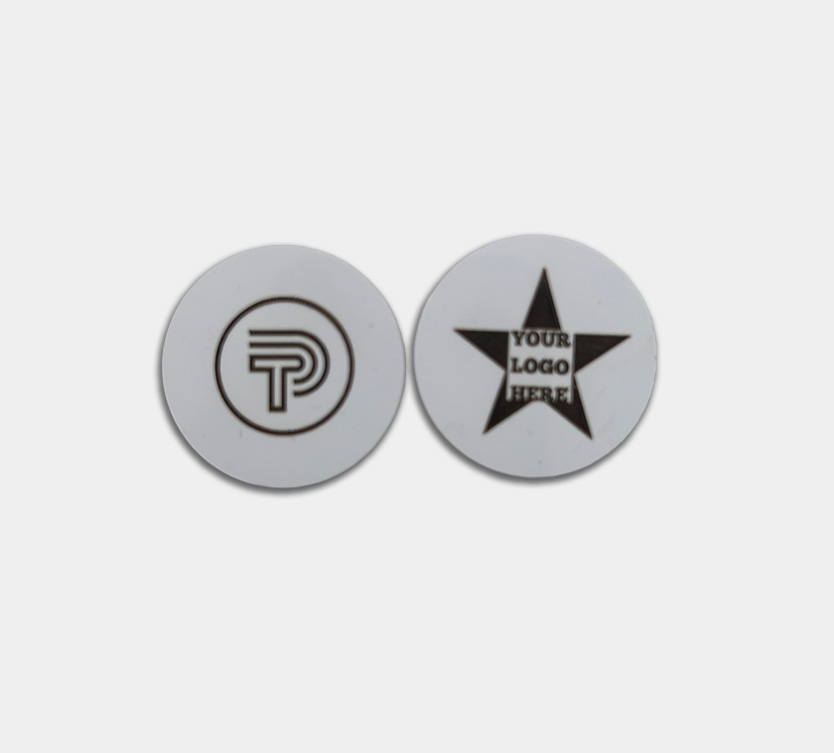
They look like nothing. A small sticker on the back of a phone. But tap one with another phone and something happens: a contact opens, a page loads, a form appears. No app, no scanning, no typing.
NFC stands for Near Field Communication. It’s the same technology behind contactless payments, when you tap your bank card on a reader, that’s NFC doing the work. An NFC phone sticker works on the same principle, except instead of processing a payment, it sends information directly to whoever taps it.
Each Tap Ping sticker is tied to a digital profile that you build and manage online. You choose what appears when someone taps it: your contact details, a Google review link, a booking page, a fault-reporting form. And you can update that profile at any time. The sticker itself never needs to change. It just points to whatever your profile currently says.
How a property management company uses Tap Ping stickers
Take a facilities company managing a block of flats or a commercial site. Their maintenance team is out most days, phones in hand. Every time a resident or business tenant needs a number, they’re searching through welcome packs, emailing the office, or looking it up on a website that may or may not be current.
Put an NFC phone sticker on the back of each engineer’s phone, and that problem disappears. A tenant taps the sticker, their phone opens a page with the engineer’s name, direct number, and email. No app needed, no searching, no explaining who they are or which site they’re calling about.
But the same company soon realised the sticker didn’t have to stay on a phone.
In a managed building, there are heat pumps, boiler units, fire alarm panels, communal door entry systems. All of it maintained on a schedule. All of it something a tenant might need to report a fault with. The company started attaching NFC stickers directly to the equipment itself, each one linked to a short fault-reporting form.
Now a resident standing next to a broken communal boiler doesn’t need to remember who to call. They tap the sticker, fill in a two-minute form, and the right person gets notified. No hunting for a number, no waiting for the office to open on Monday morning.
Why not just use a QR code?
QR codes do a similar job on paper, but they come with one obvious problem: the camera has to be pointed just right, the lighting has to cooperate, and the code has to still be legible six months down the line. An NFC sticker needs a quick tap. It works in the dark, through a light phone case, and doesn’t degrade the way a printed code does.
For equipment in plant rooms, utility cupboards, or anywhere the lighting is poor, that difference matters.
Changing the link without replacing the sticker
One thing that catches people off guard: you don’t need to replace the sticker every time something changes. Tap Ping’s NFC phone stickers are updated through your online profile. If a team member’s number changes or you want to swap the link to a different form, you update it once and every sticker changes with it.
Whatever you use them for, the same rule applies: update your profile once and everything changes with it. No reprinting, no reapplying, no replacing